Updated:September 23, 2026

6 min
6 min

As your go-to Binary Options broker, Olymp Trade is about simplicity and quick trade executions. The platform even packs a useful demo account, letting you learn the ropes of trading if you are still on the fence about putting your funds in the firing line. But every good thing needs to come to an end. If you have milked the Olymp Trade features to the fullest and want to move on to a better broker or a new trading platform, this piece will help you delete the Olymp Trade account without leaving any trace of your presence. Before you plan a deletion, sign up on Olymp Trade and try out the features.

Author


What does the account deletion email look like?
One of the most critical questions regarding account deletion is why one would want to obliterate the presence when stopping account usage is always an option. Here are some of the reasons why you should consider deleting your Olymp Trade account instead of abandoning it:
So, if you are looking for a reason to stop using Olymp Trade and have no intention of returning, keep reading!

Olymp Trade’s credibility in numbers
Haven’t tried out the broker! Create an Olymp Trade account and get going.
As a trader, you might have one of the following reasons to get right of your Olymp Trade account:
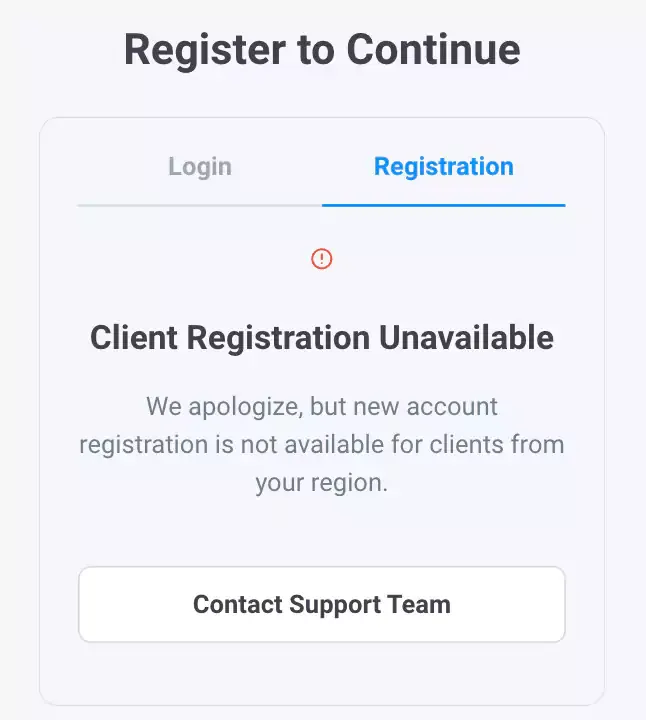
Regulatory Concerns might push users to delete their accounts.

The state of Olymp Trade regulation
With the reasons and possibilities out of the way, let us now focus on the approach:
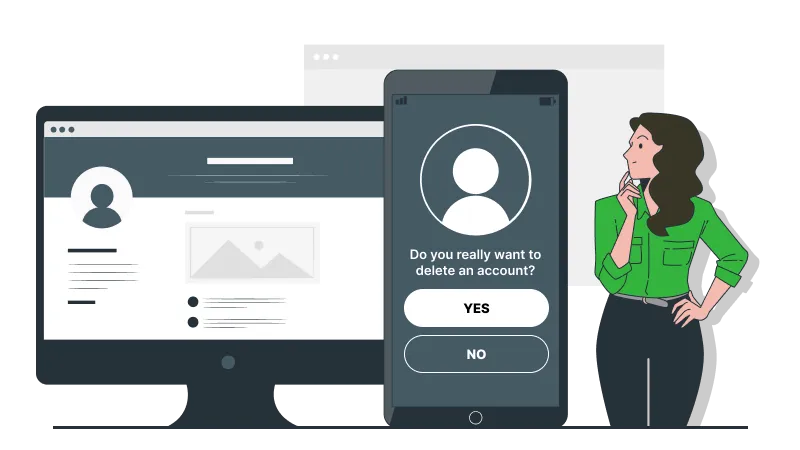
Deleting the Olymp Trade account is a process involving many steps. Here are the ones to consider, alongside some explanation as to how you can go about the same:
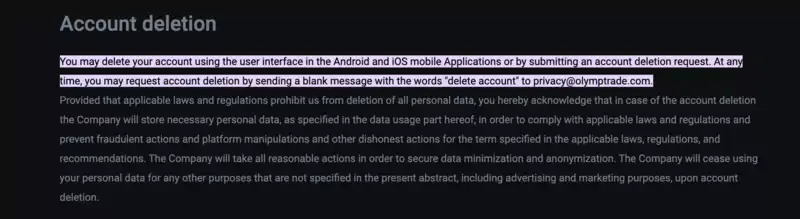
Account deletion process
You should wait seven to ten days before your account is deleted. Ensure you do not log in once the process is active, or you must start from scratch.
Log in and see the status of your Olymp Trade account.
You can delete your account directly if you use the Android or iOS mobile app. To do so, head over to the user interface, click on the profile tab to open Settings, and locate the “Delete Profile” section at the bottom to get right to the account.
Having a mobile app simplifies the process. However, the deletion process still takes 5 to 7 days.
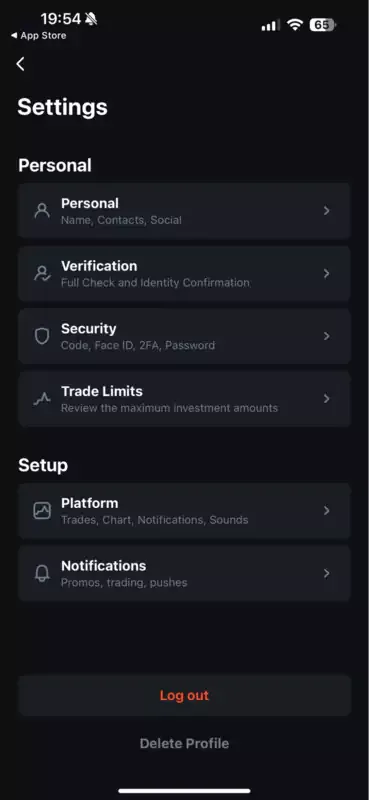
Account deletion option for mobile users
Note that mobile-based account deletion doesn’t ask for your password, which might be where you can change your decision. This is an account-specific misstep, which Olymp Trade might consider changing.
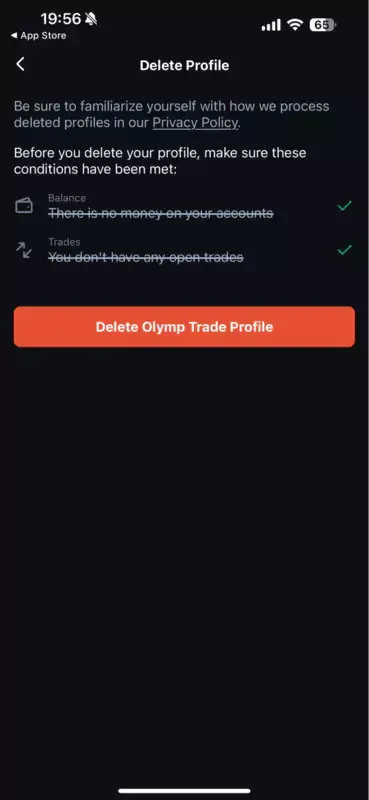
Deletion requirements
Requesting a deletion isn’t the end of the way. Here are the additional steps to follow if you seek complete closure:
If you had requested account deletion via email, you might need to provide additional details, depending on which ones the team asks for. Keep the invoices, tax reports, recent passwords, and other information handy.
Note that despite deletion, Olymp Trade might keep your details handy for a few days, maybe months, to address any regulatory concerns.
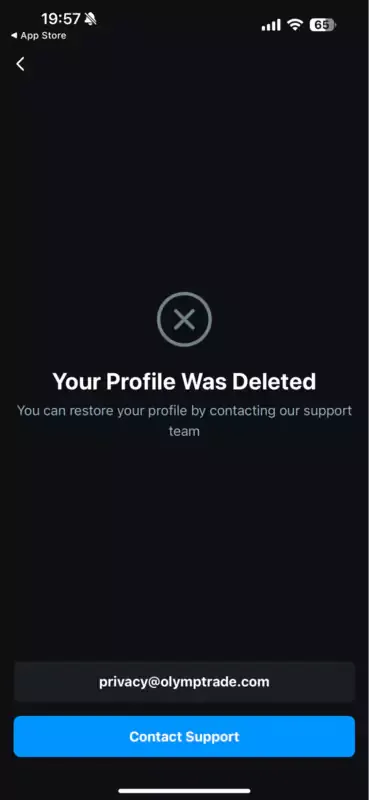
Message displayed once the profile is deleted.
Still trying to figure out what Olymp Trade offers? Try the Demo account and decide if you want to delete it.
Every broker wants you to stay. Especially if you are a high-value trader. Therefore, if even you are second-guessing account deletion, here are a few relatable alternatives:
Note: Deactivation preserves your data and payment methods, so you need not set everything up from scratch.
Log in and reactivate your Olymp Trade account.
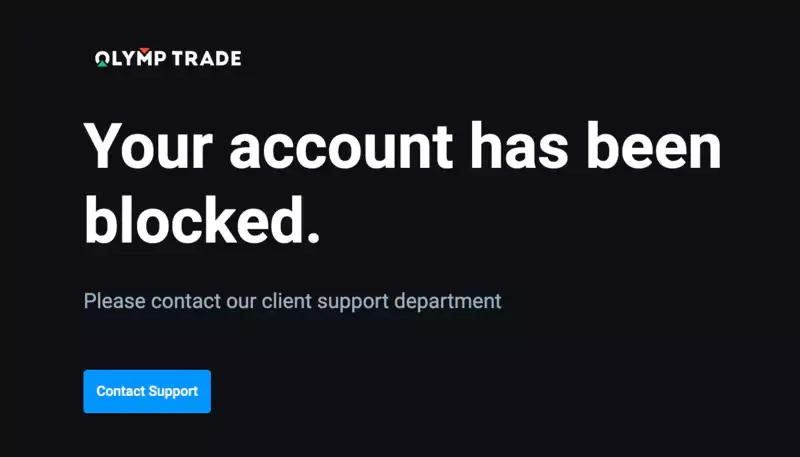
Connecting with customer support to re-acquire the deleted account
There is nothing I can do to change your mind if you want to leave Olymp Trade to give trading a break. However, if you are looking at better options, try out all the features of this binary options broker before taking such a step.
Find Your Perfect Broker: Explore Our List Now!
Choose the best with our expert-selected options


Find Your Perfect Broker: Explore Our List Now!
Choose the best with our expert-selected options
Discover top binary options brokers tailored to your region. Browse our curated lists by country:
2944