Updated:October 09, 2026

5 min
5 min

Many new traders fear losing their hard-earned money because they lack trading experience. It’s a valid concern that anyone who values their money should have. However, Expert Option solves this by offering everyone a demo balance to trade. Continue reading to learn about the demo balance on Expert Option, how to access it, and whether it’s worth trying.

Author

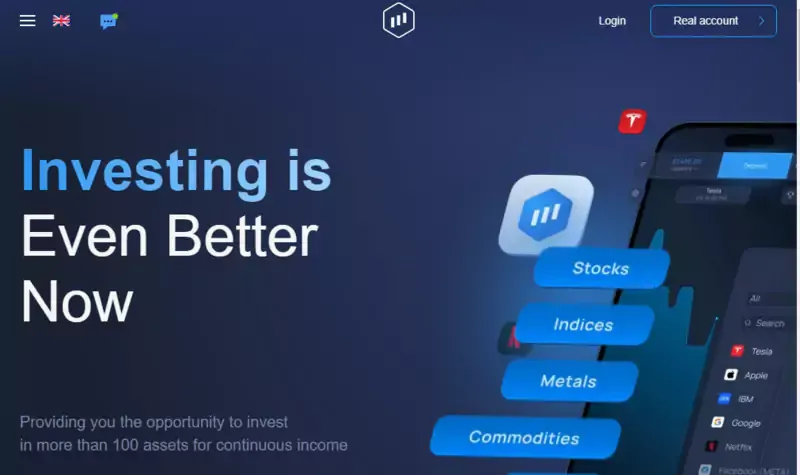
A demo balance is a balance that allows you to trade with virtual money using real market conditions. You can think of it like a trading video game that gives you virtual credits but uses real-world market conditions.
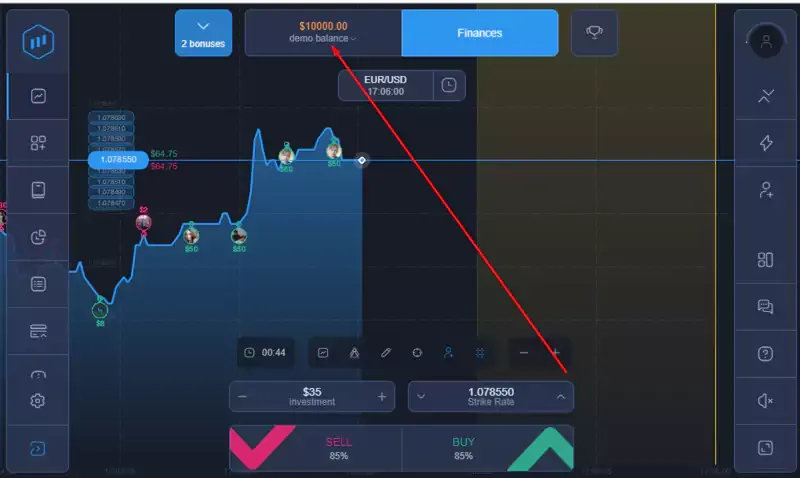
The default demo balance in the Expert Option is $10,000. When you sign up, you receive a virtual stack of cash that you can use to trade all the assets available in the real account. The demo balance allows new traders to try trading on the Expert Option platform without risking losing real money. It helps you learn how to use the platform’s features and how to trade options.
Expert traders also leverage Expert Option’s demo account to enhance their trading strategies. When I want to test a new approach, I use a demo account instead of using real money to see if it works.
Expert Option is one of my favorite trading platforms because of its features and accessibility. The demo account also has these benefits, making it the perfect starting point for beginners in options trading. Below are some of the most essential features and benefits you get with Exert Option’s demo account:
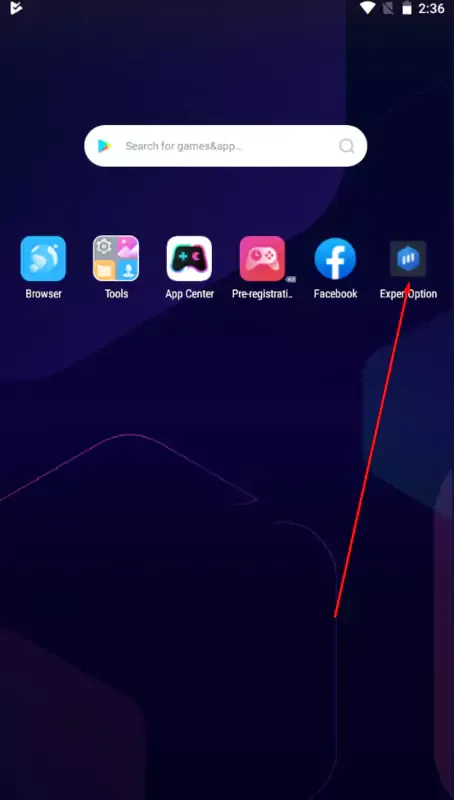
One of Expert Option’s benefits over competitors like Pocket Option is its wide accessibility. You can trade with Expert Option through its web platform or dedicated Android, iOS, Mac, and Windows apps.
These apps also allow you to use the demo balance, meaning you can trade with your demo account anywhere, with any device. When I’m on vacation, I like to use the Expert Option demo account on my phone to try out new trading strategies. It’s a great pass time too!
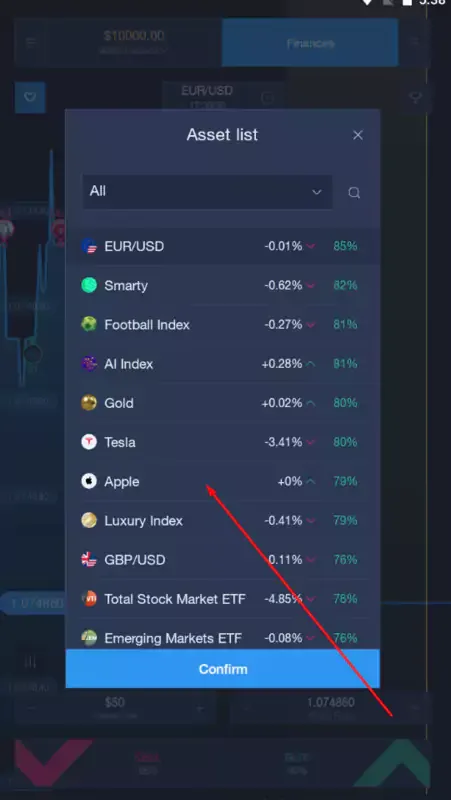
Many traders also choose the Expert Option because it has many tradeable assets. All the assets you can trade on the live account are also available on the demo account.
Therefore, whether you plan to trade forex, commodities, stocks, or indices, you can use Expert Option’s demo balance to test and improve your strategies with real-time market data.
Because the demo account is primarily for beginners and people who want to try the platform, Expert Option makes it easily accessible by allowing you to trade without giving information.
You’re not depositing real money, so Expert Option doesn’t require your personal information to enable you to use the demo balance.
Most trading platforms create a simulated market for their demo accounts. While those markets emulate real-market movements, they’re more predictable and can give you false confidence in market expertise. Expert Option’s demo account uses real-time market data, similar to what you’d see in a live account.
Your demo account’s trading outcome would be the same as if you had used real money. Successful trading on a demo account can boost your confidence and prepare you to trade with real money.
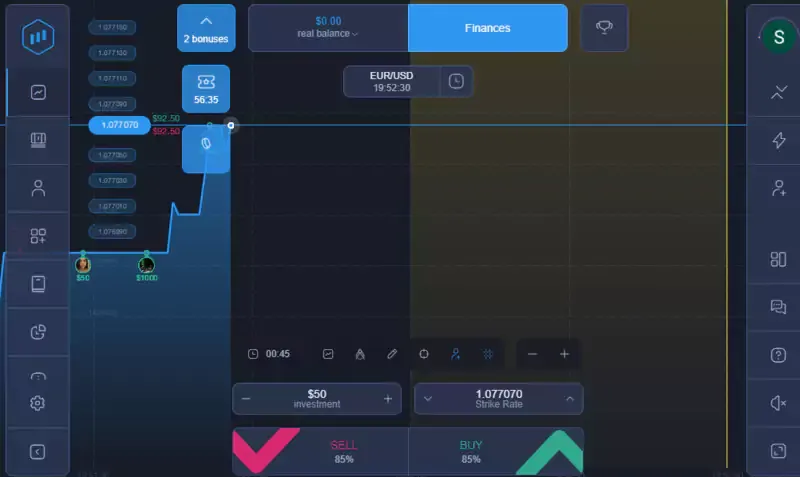
As I’ve explained above, the demo account aims to acquaint you with Expert Option’s features and introduce you to options trading in general. If you’ve never traded, depositing your hard-earned money into an online platform can be intimidating, not knowing whether you made the right decision.
However, once you trade on the demo account for a while, you can confidently transition to the real account, knowing how everything on the platform works: how to place a trade, what the bars on the charts mean, etc.
Expert Option has a minimum deposit of $10 and allows you to spend at least $1 on each trade. Because it has dozens of tradeable assets, it would take tens of dollars to try out each tradeable asset to get what works for you.
As a result, the demo account gives you 10,000 virtual dollars to trade with. With $10,000, you can spend healthy amounts on each trade and see your profit if you trade the same amount in real cash. It also allows you to lose some trades without running out of money.
If you spend all your virtual money on the demo account, you can constantly refresh it and get another $10,000. Therefore, you have infinite virtual funds to practice with on the demo account.
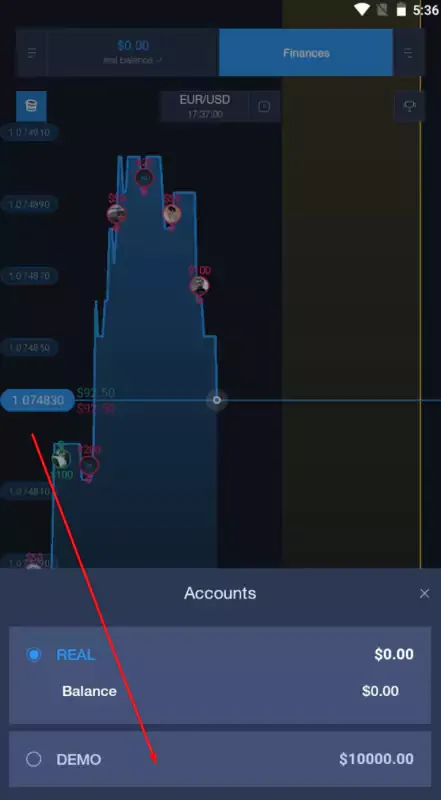
Unfortunately, you can’t cash out your demo balance. The demo account can help you practice using Expert Option and improve your trading strategies to make real money on the platform.
If it’s your first time using a platform like Expert Option, I recommend reading our in-depth guide on trading on Expert Option. However, it’s essential to start with a demo account. Let’s look at how you get one:
Go to Expert Option’s site or open the Expert Option app on iOS and Android.
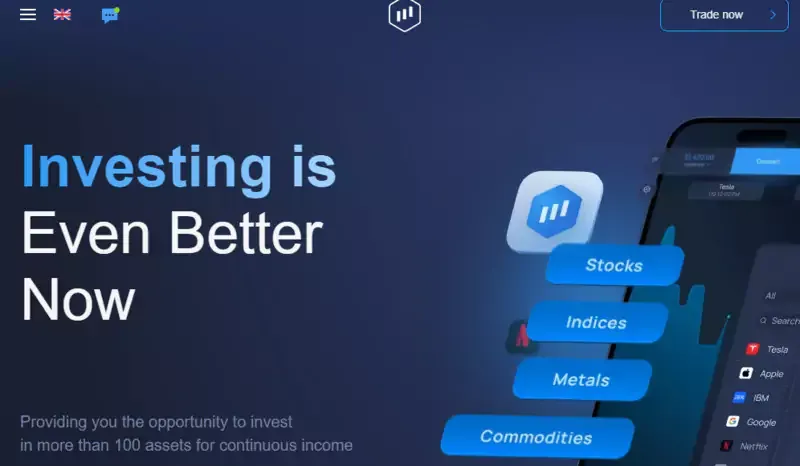
Click on “Try Free Demo.”
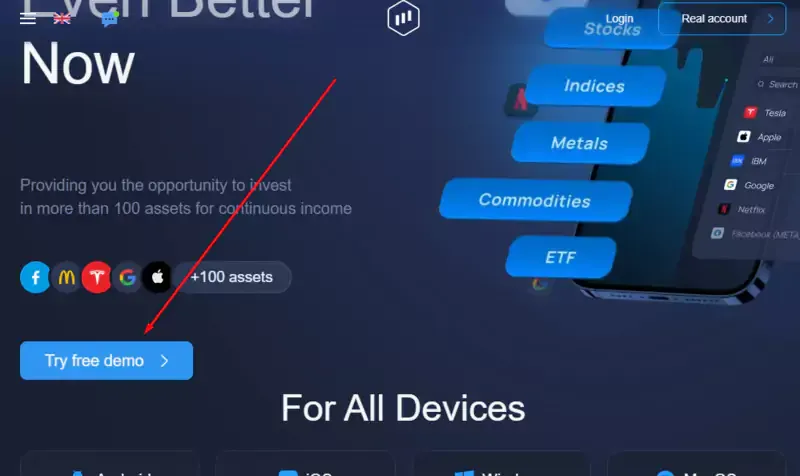
You’ll be redirected to the demo account. You have a $10,000 demo balance, and you can start trading.
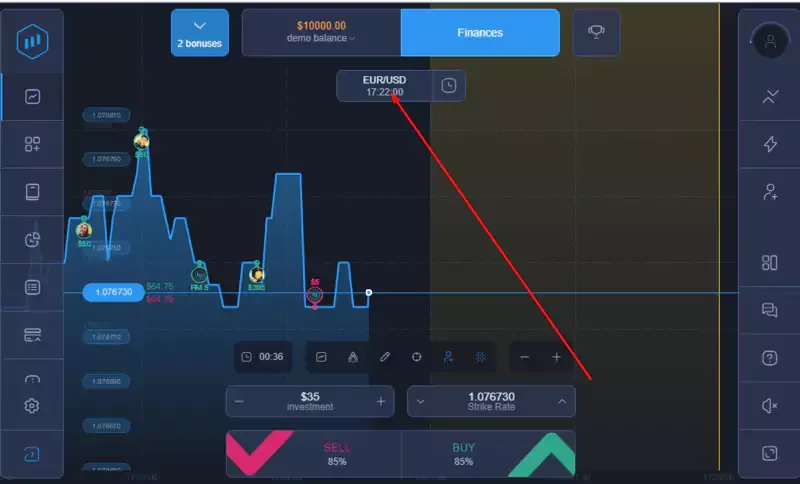
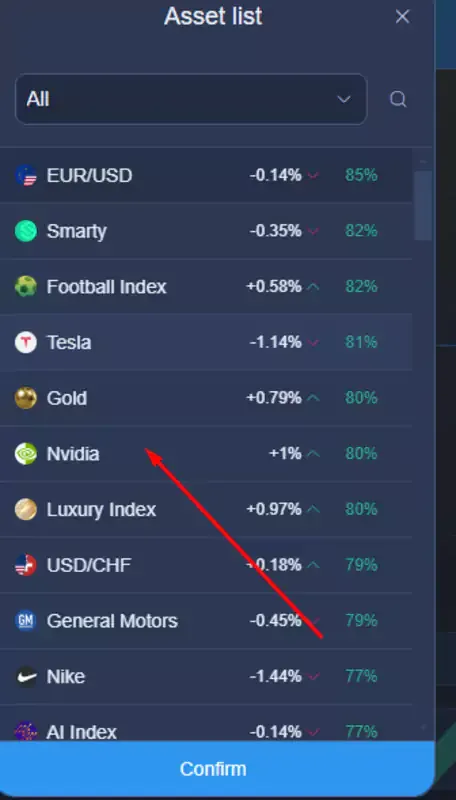
Click on the asset below your balance to choose what you want to trade. For example, I picked Nvidia.
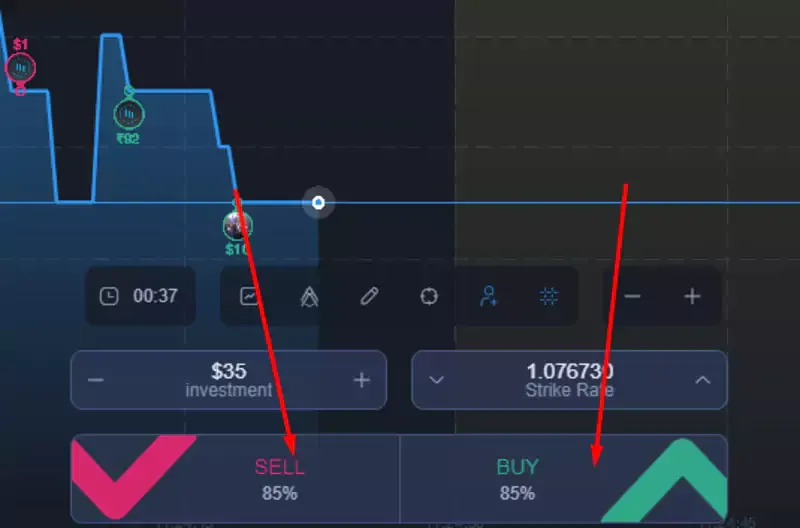
Enter your investment amount and desired strike rate.
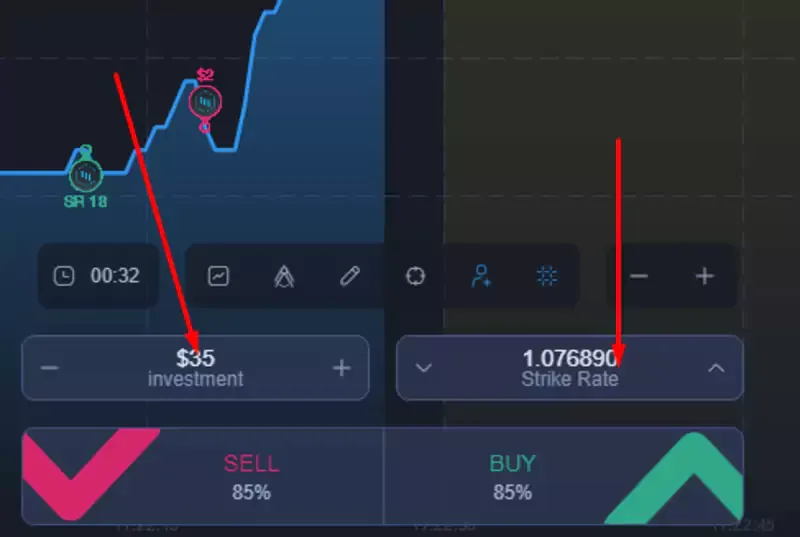
Choose “buy” or “sell,” depending on whether you think the price will be higher or lower when the time runs out.
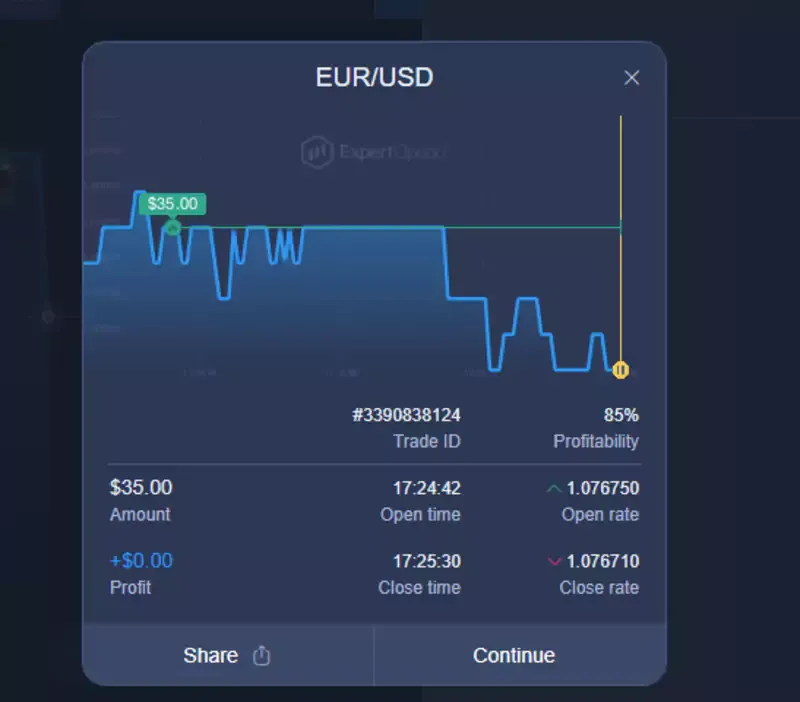
You’ll receive a trade summary explaining whether it was successful when the time runs out.
As someone who likes trying new trading strategies and assets, I use Expert Option’s demo account daily. I can try new things without worrying about losing money, and if I’m successful, I can replicate my actions with real money.
Expert Option’s demo account is also an excellent opportunity for beginners to learn how trading platforms work and the tradeable assets they’d be the most comfortable trading with real money. It’s free, and you don’t need to register. Give it a try today.
Find Your Perfect Broker: Explore Our List Now!
Choose the best with our expert-selected options


Find Your Perfect Broker: Explore Our List Now!
Choose the best with our expert-selected options
Discover top binary options brokers tailored to your region. Browse our curated lists by country:
887