Updated:November 11, 2026

9 min

Deriv app review 2026: is it worth using?
The Deriv app is the mobile side of a platform I have traded on for years. What I like about it is what most people like: order entry that takes seconds, and deposits and withdrawals that clear without a support ticket. I travel a lot for work. Using the Deriv website from a phone browser is a chore, so I moved to the app and stayed there. Convenience is only part of it. This review covers the features that matter, the two things that annoyed me across six months of daily use, and how to install the app on Android, iOS and a desktop.

Joel Lim
Author

Updated October 23, 2026
The Deriv app is the mobile side of a platform I have traded on for years. What I like about it is what most people like: order entry that takes seconds, and deposits and withdrawals that clear without a support ticket. I travel a lot for work. Using the Deriv website from a phone browser is a chore, so I moved to the app and stayed there. Convenience is only part of it. This review covers the features that matter, the two things that annoyed me across six months of daily use, and how to install the app on Android, iOS and a desktop.
Features of the Deriv app
Suppose you have already traded on the official Deriv website. Then the basics are familiar: trading instruments, zero commissions, deposit and withdrawal options. The app carries all of that. It also adds a few things the browser version does not have.
Push notifications
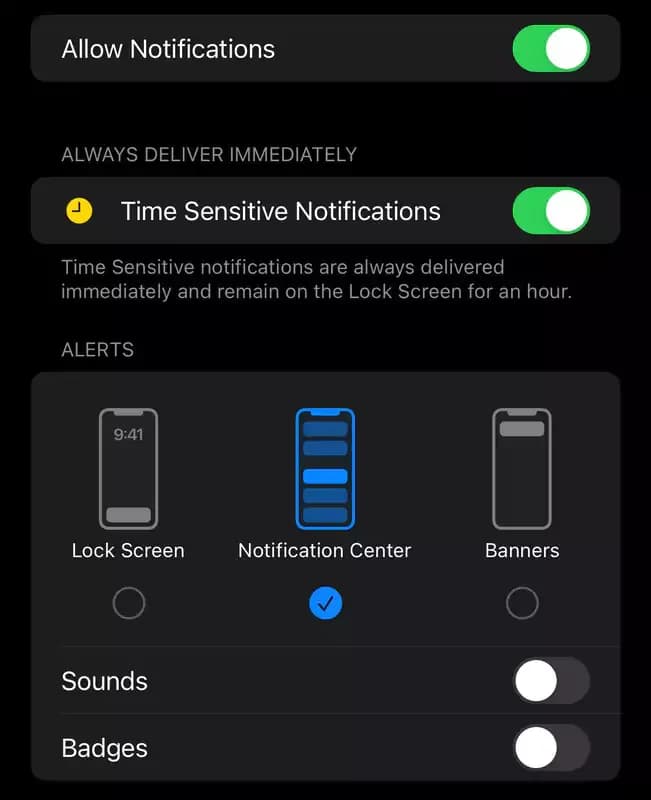
Push notifications turned out to be the most useful of them. You choose what you want to hear about: market movements, price levels, account events. The app asks for permission the first time you log in or sign up. Just tap enable. After that the alerts arrive on their own.
No more sitting on a chart for hours waiting for a level to break. Go about your day. The phone buzzes when something happens.
Risk management tools
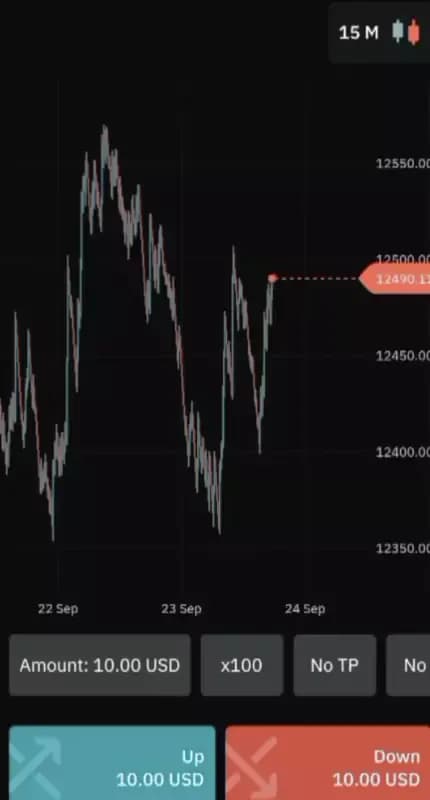
The risk tools on the app are better than I expected. Stop loss, take profit and deal cancellation, all set before the position runs. The app executes them without you. That matters most when you are away from the screen, which for a mobile trader is most of the time.
They cap the damage on a bad trade. They also lock in a good one. Set carelessly, though, they do nothing at all.
More trading instruments
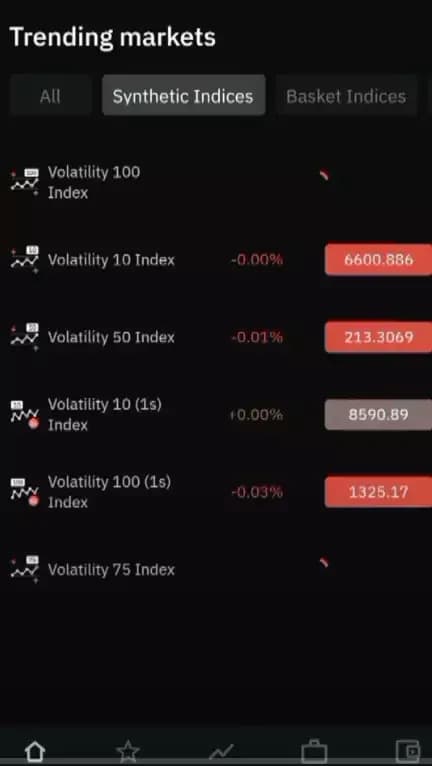
The instrument list on the app is wider. Synthetic indices are the part I use most. They are a reasonable place to start if that market interests you at all.
You do not have to touch them. Everything available on the Deriv website is available in the app, so a trader who sticks to one instrument loses nothing by switching over.
Convenience and accessibility
This is where the app earns its place. A phone and a connection are all it takes to check a position. I have closed trades from a train seat and from an airport queue.
It suits anyone rarely at a desk. You keep tabs on open positions without your main device nearby, and that alone removes most of the reason to sit over a laptop all evening.
Mobile friendliness
The layout fits any screen size. Charts, action buttons and the navigation bar were rebuilt for touch rather than shrunk down from the desktop. That difference shows the moment you place an order with one thumb.
Light and dark themes are both there. Small thing, but it matters at night.
This is the real argument for the app over the mobile site. One was built for a phone. The other was not.
Deriv app reviews: what users actually say
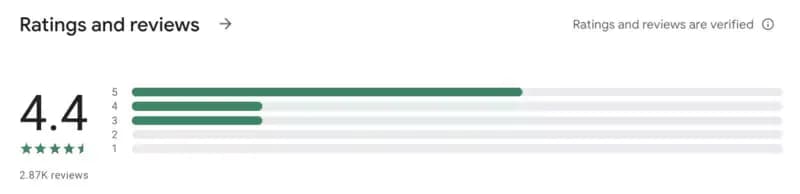
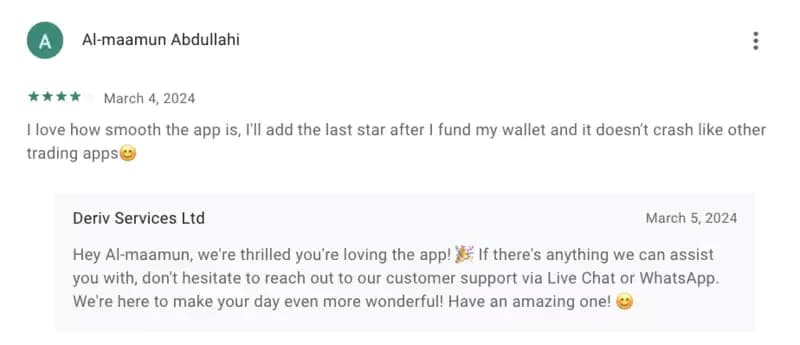
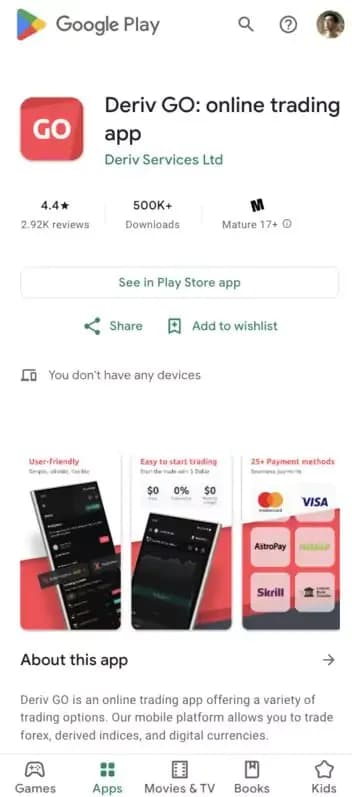
I read the reviews before installing. Most were positive, which pushed the decision along. The app holds 4.4 stars on Google Play.

Feature set and general usability come up most often in the good ones.
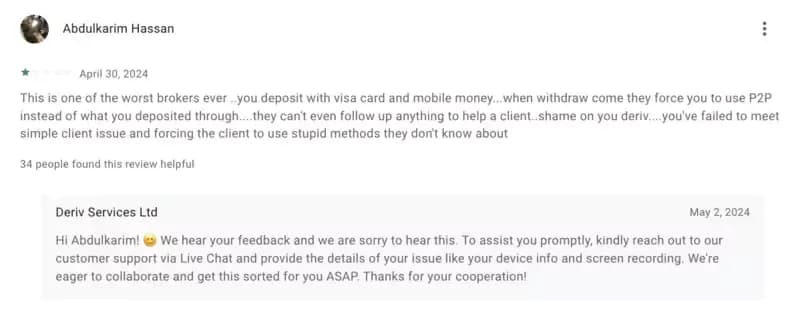
Not everyone agrees. Some users had a poor experience, which did not match mine. Read the one-star reviews with a filter on, because running down a competitor is standard practice in this industry and some of that lands in app store ratings.
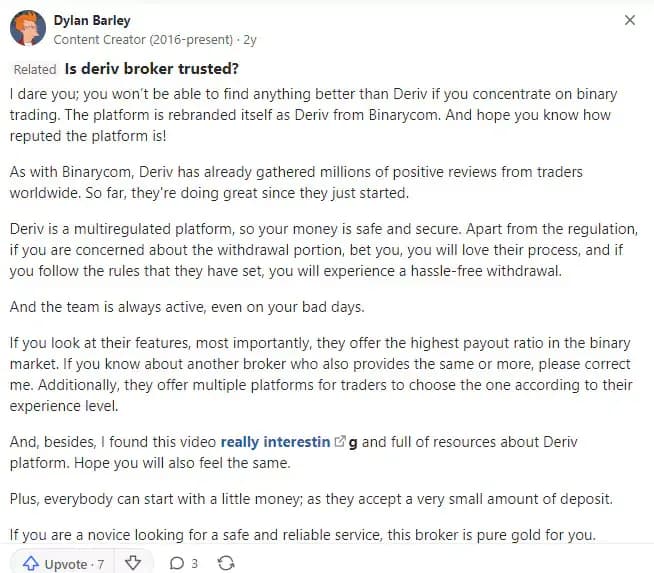
Quora tells a similar story. One post went into unusual detail about why the platform works, calling it the ideal starting point for a beginner.
Six months in, the reviews hold up. Push notifications and the risk tools are the two features I would not give back. Neither is unique to Deriv. Both are done well here.
Pros and cons of the Deriv app
I have run the app daily for six months now. The good outweighs the bad. The bad is not trivial either. Here is the honest split.
Pros

Convenience and accessibility. Trading on the move is the main draw, and the notifications mean you are never guessing what happened while you were away from the screen.
User friendliness. The app is optimised for mobile, so every control stays usable whatever the screen size of your device.
Risk management tools. Stop loss, take profit and deal cancellation keep exposure bounded, and they self-execute once set. You do not have to watch the chart for them to work.
Cons
Customer support. Six months in, this is the weak spot. A couple of times I needed an answer quickly and did not get one. Plan on solving most things yourself, or on waiting.
Country restrictions. The app is unavailable in several countries, among them the USA, Canada, Malaysia and Israel. If you live there, no part of the service is accessible and you will need an alternative.
How to download the Deriv app on Android
The app runs on Android as well as iOS. On an Android phone the route is short:
Open the Deriv website
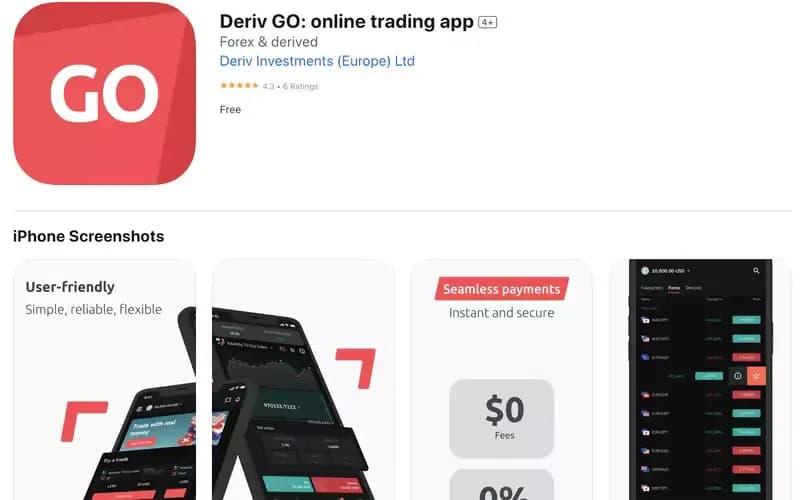
Scroll down to the footer until you see Deriv GO
Click on “Get it on Google Play.”
Once the download page opens, click the download button and wait for the download to finish.
Launch it, then log in or register, and the account is live. The whole thing takes a few minutes.
How to download the Deriv app on iOS
iOS works the same way, with one screen fewer. Open the Deriv website.
Click on “Get it on the App Store.”
Click on the Get button to download it. Wait until the download is complete, and then launch it. The entire process should take no more than five minutes, from downloading the app to setting it up.
How to download the Deriv app on desktop
No phone? The app still runs on a computer, through an Android emulator. Download one first.
Several emulators do the job. I use Bluestacks. Open your browser, search for it, go to the site and follow the on-screen steps.
Once the download is complete, launch the software, search for the Deriv app, and click the install button.
After installing the app, run it to set it up appropriately on your computer. When the app screen opens, enter your account details and follow the on-screen instructions to complete the process.
A worked example: stop loss and take profit on a $200 account

The risk tools only pay off with numbers attached. Say the balance is $200 and you open a $20 position on a synthetic index. Set the stop loss at $4. Set the take profit at $8. Worst case costs 2% of the account, best case pays 4%, and the ratio is one to two.
Now run twenty trades at that setting with a coin-flip hit rate. Ten losses take $40. Ten wins return $80. Net result: plus $40 on a $200 account, without once reading the market better than chance. Drop the take profit to $4 and the same twenty trades net nothing at all. The setting does the work, not the forecast.
Two habits make it stick. Set both levels before you leave the order screen, because the tool is worthless if you plan to close manually anyway. And rehearse the sequence on a Deriv demo account first, so the first mistake costs nothing.
Final words
The app is the right call for anyone who trades away from a desk. Everything from the website is there, rebuilt for a phone rather than squeezed onto one. Synthetic trading is the addition most people notice first.
Two things held it back for me. Support was slow when I needed it, and the country restrictions are absolute. If Deriv is blocked where you live, find an alternative rather than a workaround.
Next step: install the app, turn on push notifications, and place ten trades with stop loss and take profit set before you fund anything serious. For the platform side rather than the app side, the full Deriv review covers account types, spreads and withdrawal times. Weighing up several brokers instead? Start from the broker comparison and come back to this page afterwards.
FAQ
What is the Deriv app?
It is the mobile version of the Deriv trading platform, for Android and iOS. It carries the same instruments, zero commissions and payment options as the website, and adds push notifications, preset risk tools and a layout built for a touchscreen. A desktop version runs through an Android emulator.
How does the Deriv app work in 2026?
You install it, log in or register, and trade from the same account as the website. Alerts on price and market moves arrive as notifications. Stop loss, take profit and deal cancellation are set before a position runs and then fire on their own. Light and dark themes are both available.
How do I get started with the Deriv app?
Open the Deriv website, scroll to the footer, and pick Google Play or the App Store depending on your device. Download, launch, then register or log in. From download to a working setup takes about five minutes. On a computer, install Bluestacks first and get the app through it.
What are the common mistakes?
Skipping stop loss and take profit because manual closing feels easy on a phone. Trading synthetic indices before understanding them. Ignoring the country list and finding out at signup. And counting on fast support, which was the weakest part of six months of daily use.
Is the Deriv app suitable for beginners?
Yes, with a caveat. The interface is simple and the risk tools genuinely help someone learning position sizing. But easy entry is not the same as safe trading. Start on demo, keep the first live positions small, and check that your country is not on the restricted list.
Find Your Perfect Broker: Explore Our List Now!
Choose the best with our expert-selected options
Find Your Perfect Broker: Explore Our List Now!
Choose the best with our expert-selected options
Discover top binary options brokers tailored to your region. Browse our curated lists by country: